Other
Display Audio Gen1 Software Update
04-14-202335,236 views
What's New
View guide
- Display Audio Gen1 with Genesis Connected Services
- Better remote access with seamless connectivity between the Display Audio system and Genesis Connected Services server.
List of eligible vehicles available to download
-
Please refer to the examples below to check the type of Display Audio system installed in your vehicle.
Then select from the list of eligible vehicles to download your Display Audio system update.
Display Audio Gen1
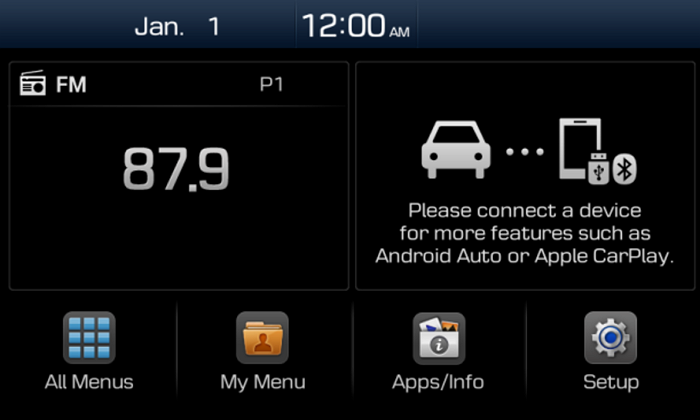
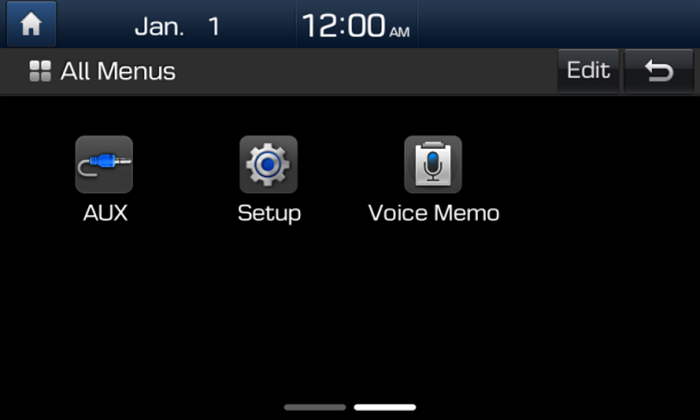
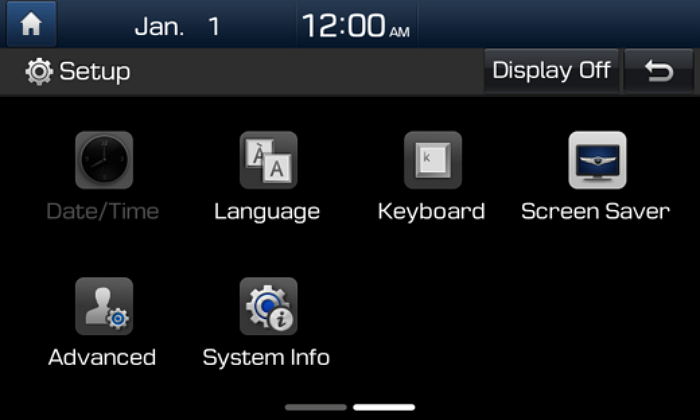
Before Updating
- Please use the officially distributed update file. If you use a randomly changed file, it will not update correctly and can lead to critical issues in your Display Audio system.
- When selecting your vehicle, make sure the model/model year are correct before starting the download process.
- If the wrong model/model year is chosen, the update cannot be performed.
- Please make sure to use a USB drive formatted with the FAT32 file system.
- A FAT32 formatted USB drive is recommended for a successful update.
- If it is not FAT32, format the USB drive as FAT32 before copying the update files from the desktop/laptop to the USB drive.
- When formatting a USB drive, all data stored on the USB drive will be deleted. Please make sure to safely back up important files stored on the USB drive before proceeding with the USB drive format.
- A single partition USB drive is recommended.
- If the USB file system is not FAT32 or the electrical performance is not proper, the USB drive cannot be recognized.
 Recommended Type of
USB Drive
 Not
NotRecommended
- Note
- This update provides software that may include adding new features and removing others.
After installation, it is not possible to revert to the previous software version.
- This update provides software that may include adding new features and removing others.
- Warning
- During vehicle software installation, the engine must be running to keep the battery charged.
Do not turn off the ignition switch or eject the USB drive during the update procedure. - How to double-check whether the vehicle is running:
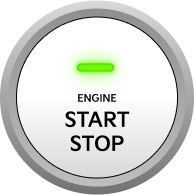
- The start switch should indicate “ON” or the light on the start button is lit.
- A software update could affect the functionality of aftermarket components (e.g. aftermarket rear view camera, speakers, etc.)
- During vehicle software installation, the engine must be running to keep the battery charged.
등록한 차량이 없습니다.
소유 차량을 등록한 후 리뷰를 작성할 수 있어요.
※ 보유 차량이 보이지 않는 경우, 마이제네시스 모바일 앱에서 보유 차량을 등록해주세요.
로그인 후, 리뷰 작성해주세요!
내 차량을 선택하고 하드웨어와 소프트웨어를 구분하여 업데이트 리뷰를 작성해보세요
하루에 3개 이상의 리뷰를 등록할 수 없습니다.
이미 등록된 게시글인지 확인해주세요.
리뷰를 작성할 수 없습니다.
이용 제한으로 인해 업데이트 리뷰 작성을 하실 수 없습니다.
빌트인 캠 업데이트
아래 파일을 다운로드 받아,
USB 메모리 최상위 폴더에 복사해주세요.
Navigation Updater installation required
Installation of the latest version of Navigation Updater
is required. After installation, select the
'Download' button again to run automatically.