Vehicle SystemNEW
Genesis G80, GV70, GV80 OTA Airbag Control Unit Software Update
11-20-202659 views
OTA Software Update
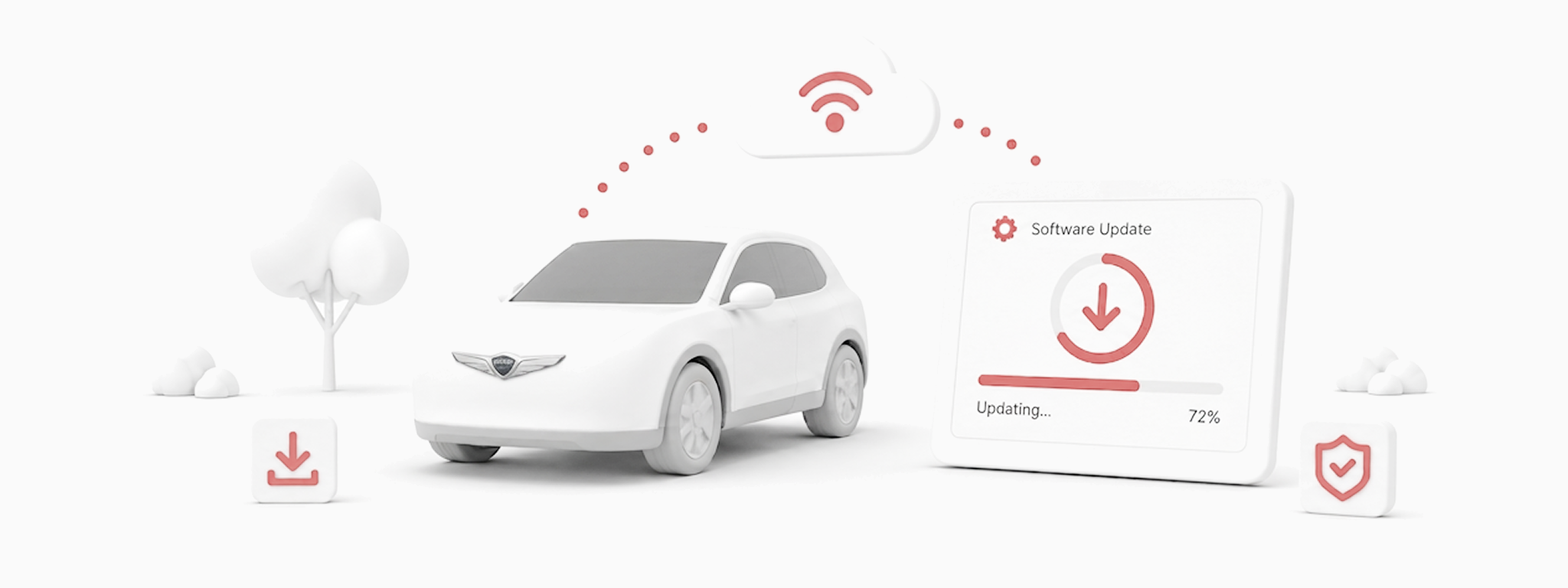
- When 12-volt battery voltage is low, the Airbag Control Unit (ACU) may experience interruption and illuminate a dash warning. This Over-the-Air (OTA) software update resolves the issue.
Please Check Before Updating
If your vehicle has had its battery disconnected or replaced, please turn off the engine, disconnect any additionally installed electronics such as dashcams, and park for at least 4 hours.
After your next drive, turn off the engine to proceed with the update.
Connecting a device to the diagnostic port located beneath the driver's seat may cause internal communication interference and prevent the update from completing normally.
Disconnect all devices from the diagnostic port, turn on the engine, drive for at least 30 minutes, then turn off the engine and proceed with the update.
Disconnect all devices from the diagnostic port, turn on the engine, drive for at least 30 minutes, then turn off the engine and proceed with the update.
※ Do not connect any device to the diagnostic port during a wireless update.
등록한 차량이 없습니다.
소유 차량을 등록한 후 리뷰를 작성할 수 있어요.
※ 보유 차량이 보이지 않는 경우, 마이제네시스 모바일 앱에서 보유 차량을 등록해주세요.
로그인 후, 리뷰 작성해주세요!
내 차량을 선택하고 하드웨어와 소프트웨어를 구분하여 업데이트 리뷰를 작성해보세요
하루에 3개 이상의 리뷰를 등록할 수 없습니다.
이미 등록된 게시글인지 확인해주세요.
리뷰를 작성할 수 없습니다.
이용 제한으로 인해 업데이트 리뷰 작성을 하실 수 없습니다.
빌트인 캠 업데이트
아래 파일을 다운로드 받아,
USB 메모리 최상위 폴더에 복사해주세요.
Navigation Updater installation required
Installation of the latest version of Navigation Updater
is required. After installation, select the
'Download' button again to run automatically.